

Waze clone
Travel · Made by the OpenV2 team
A driving app in SwiftUI with MapKit: a live map with other drivers and road reports, destination search, a route preview with alternatives, turn-by-turn guidance with voice, speed and limit, hazard alerts you confirm, one-tap reports and an arrival screen.
Remix copies the finished app into your account. It runs in the cloud simulator, in your browser.
What’s inside
The prompt that builds it
284 wordsCreate a native SwiftUI driving and navigation app for iPhone using MapKit, friendly and colourful, with a bright cyan brand colour and a purple route line. The app opens on a full-screen map showing your car with a halo, cartoon avatars of other drivers nearby and road-report pins (police, accident, traffic jam, hazard, closure). A bottom card has a "Where to?" search with recent places and favourites (Home, Work). Searching shows results with distance; choosing one draws the route with ETA bubbles on two alternatives, a Best tag on the fastest, and a Go button. Driving mode follows the car along the route by itself (simulated GPS, with a speed control from 1x to 16x in settings; real location is an opt-in setting): a top banner with the next turn and distance, spoken turn instructions, a speedometer with the speed limit that turns red when you are over, Re-center and Overview buttons, and the remaining time, distance and arrival time. Approaching a report shows an alert you confirm with Still there or Not there. A report button opens a grid of report types; sending one shows a thank-you toast. Reaching the destination shows an arrival screen with the trip summary and points earned. A profile sheet shows your points and level, and Settings has units (mi or km), voice and map options. Rules: one city with realistic places, drivers and reports built in; no accounts and no backend; no location prompt unless the user turns real GPS on. Smooth map camera animations and haptics. Small files, view bodies split into subviews. It must build without errors and run on the iOS 26 simulator; check the main flows on the simulator and fix anything broken.
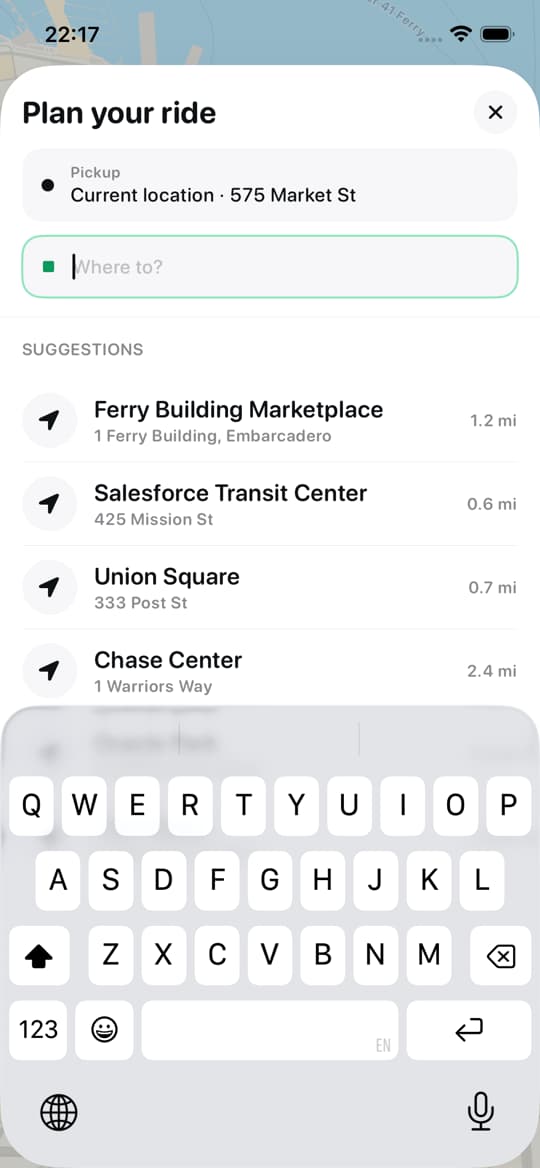
Uber clone
iOSRide-hailing app template · map, ride options, live driver
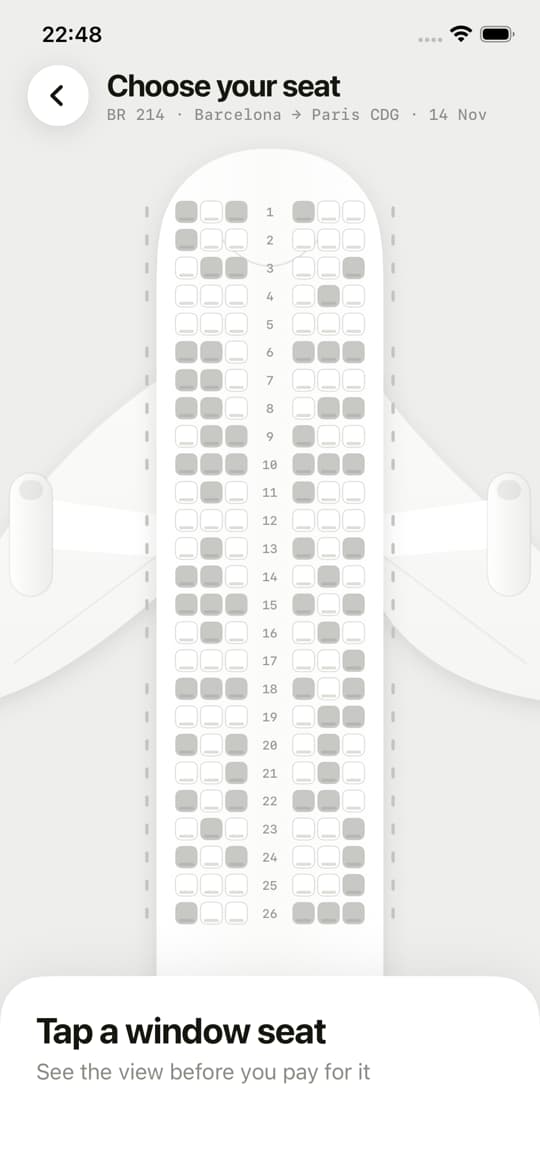

Window Seat
iOSSeat-view app · see the view before you pick your seat
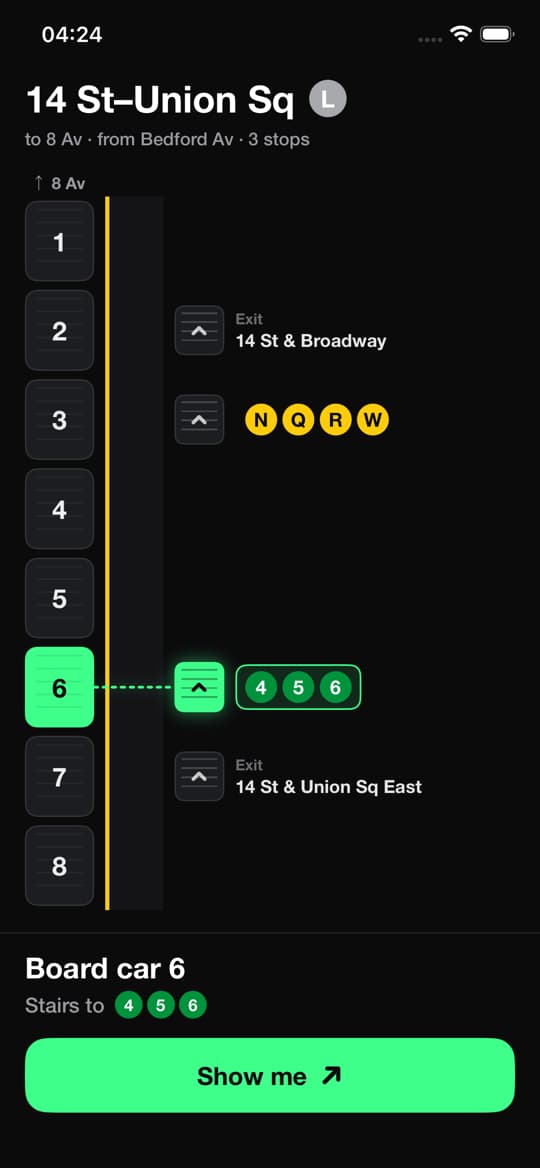

Subway stairs guide
iOSCare Scară · See which car to board and which stairs to take
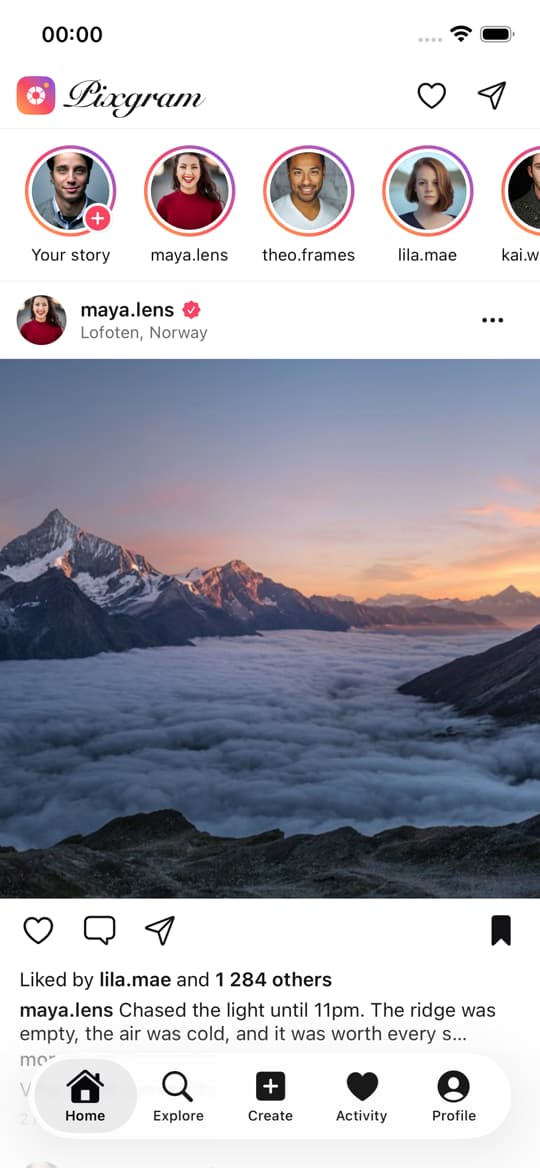

Instagram clone
iOSPixgram · Photo-sharing app template


Netflix clone
iOSStreaming app template · profiles, rows, player
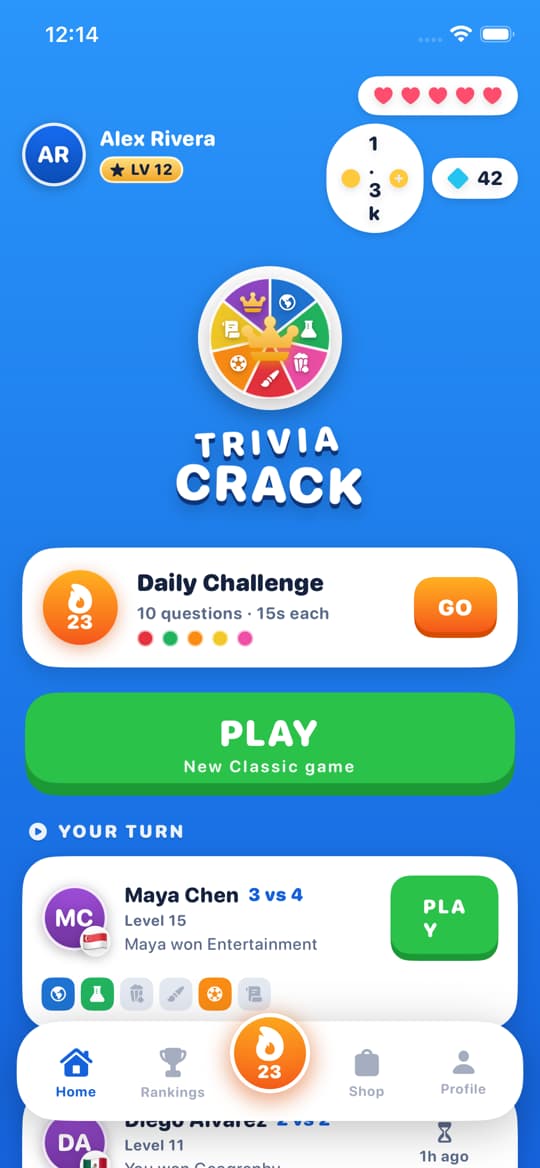

Trivia Crack clone
iOSTrivia game template · wheel, crowns, daily challenge






Build it with a team of six
Describe your app. Ethan, Clara, Maya, Oliver, Leo and Sofia take it from idea to the App Store and Google Play.